

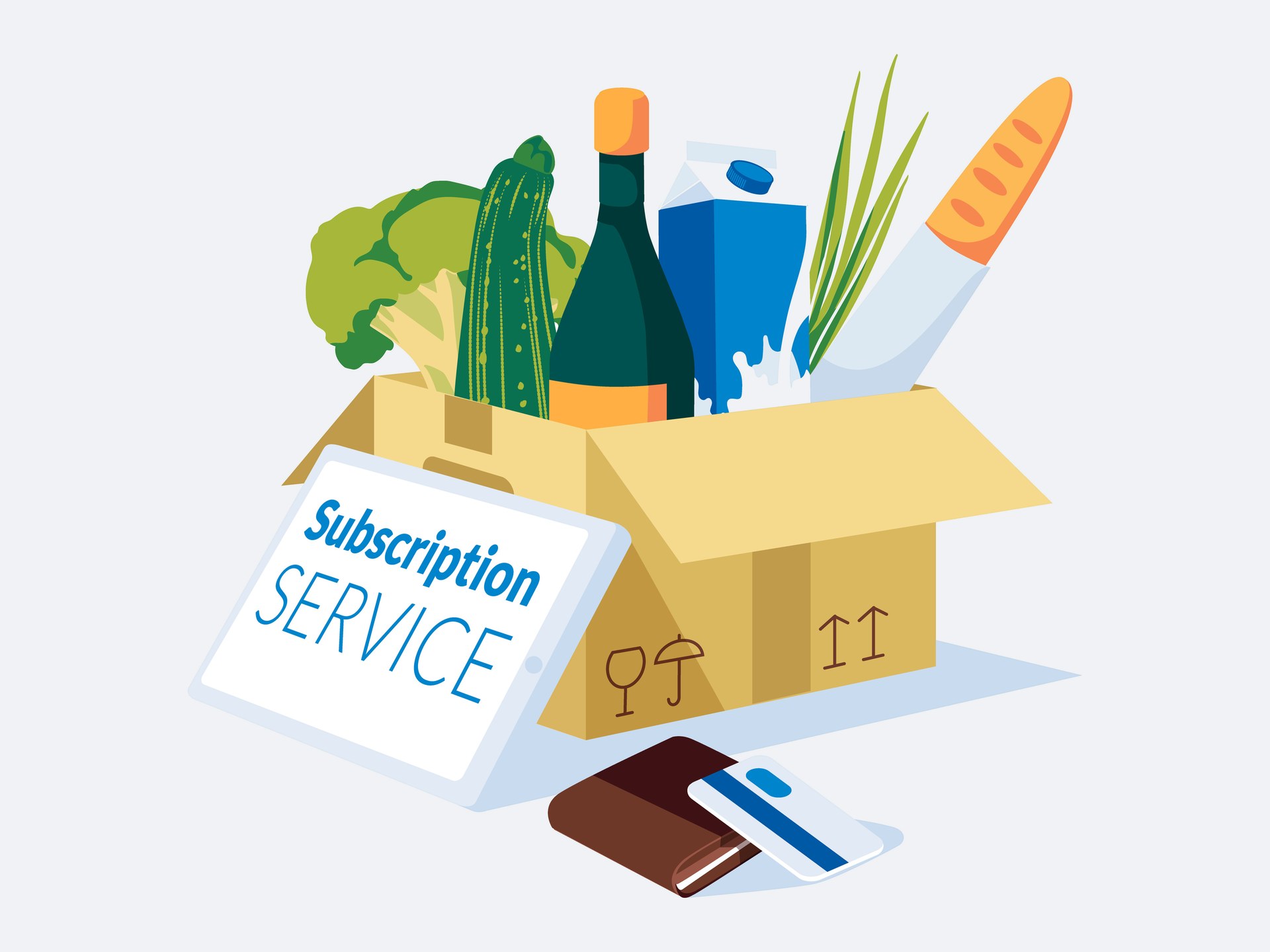
Selling subscriptions on Shopify in the UK is more straightforward than most store owners expect. Every Shopify plan supports them through a subscription app, Shopify's own app is free, and you do not need Shopify Plus. The decisions that count lie elsewhere: which app suits the way you deliver, how the subscription works alongside the rest of your shop, and, from 1 January 2027, how your sign-up, emails and cancellation meet the UK's new subscription rules.
This guide comes from first-hand experience. The subscription club we designed and built for an award-winning cheesemaker runs rolling memberships and prepaid gift subscriptions on Shopify's Grow plan, sold through the same basket and checkout as everything else in the shop. What follows is what we learned on that project, what the apps cost today, and what the new rules mean for a Shopify store in practice.
Prices and app details checked on 22 November 2026. The section on the new rules is general information, not legal advice.
Can you sell subscriptions on Shopify without Shopify Plus?
Yes. Subscriptions run on every Shopify plan through an app, either Shopify's free Subscriptions app or one of the third-party apps in the Shopify App Store, and the subscriptions then appear in your Shopify admin alongside your normal orders and customers.
The one firm requirement is the payment gateway. Shopify's Help Centre lists five gateways that support third-party subscription apps:
- Shopify Payments, the sensible default for most UK stores.
- PayPal Express, which adds Shopify's third-party transaction fee if Shopify Payments is not switched on.
- Authorize.net, where PayPal is the only wallet option.
- Adyen, for businesses that already hold an Adyen approval.
- Stripe, available only to select merchants.
Shopify Payments is a good option to consider because it supports Shop Pay, Apple Pay and Google Pay on subscription purchases, and it can update a customer's saved card automatically when their bank issues a new one. That matters when it comes to subscriptions since expired cards cost subscription businesses a share of their renewals, although Shopify notes that automatic card updates are most widely supported in the United States and coverage elsewhere varies.
Plus is worth its higher price for a different reason: it is the only plan that allows custom fields inside checkout. To work around this on a previous project, in order to give users the option to choose a delivery day, we built the calendar into the basket instead and carried the chosen date through to the order, the confirmation emails and the despatch date. That kept the whole store, subscriptions included, on the Grow plan, which Shopify's UK pricing lists at £49 a month billed yearly.
Which Shopify subscription app should you use?
The app does the heavy lifting: it adds the subscribe option to your product pages, takes the recurring payments, and gives customers a portal to skip, pause or cancel. These are the five we see most often, with pricing as listed on the Shopify App Store on 22 November 2026, in US dollars as the store shows them.
| App | Listed price | App Store rating | Worth a look if |
|---|---|---|---|
| Shopify Subscriptions | Free | 3.8 (920 reviews) | You want simple subscribe-and-save with nothing extra to pay |
| Seal Subscriptions | Free plan; paid plans $5.95 to $24.95 a month, no transaction fee | 4.9 (3,188 reviews) | You need prepaid gifts, subscription boxes or fixed delivery schedules |
| Appstle Subscriptions | Free plan; paid plans $10 to $100 a month, tiered by subscription revenue | 5.0 (9,335 reviews) | You want build-a-box and a wide feature set at a low monthly cost |
| Loop Subscriptions | Free plan; Starter $99 a month plus a 1% transaction fee | 4.9 (819 reviews) | You are scaling and want bundles, cancellation flows and payment recovery |
| Recharge | From $149 a month | 4.8 (3,162 reviews) | You run a large subscription brand and want churn and win-back tools |
We chose Seal for the artisan cheesemaker brand because they needed two models at once: rolling memberships and prepaid gift subscriptions, both timed to a fixed delivery day rather than to the date each customer signed up. Shopify's own app is a sensible place to start with simple subscribe-and-save, although its rating is worth reading into before you commit. Shopify also confirms that bundles do not work with it, which rules it out for most build-your-own-box ideas.
Two questions deserve more attention than any feature list. The first is how the app charges as you grow: Seal charges a flat monthly fee and Appstle's steps up with your subscription revenue, neither with a transaction fee, while Loop's paid plans add a percentage of each order on top of the fees Shopify already takes, so check every app's pricing page for that line.
The second is whether the app can send the reminder and confirmation emails the new UK rules require, in your own branding and at the times you choose, which we come to below.
What does a Shopify subscription store cost to run?
Every subscription store carries three running costs: the Shopify plan, the subscription app, and the transaction fee. The third is the one to watch, because each renewal is a fresh card payment and pays the fee again.
- The Shopify plan: £19 a month on Basic, £49 on Grow and £259 on Advanced when billed yearly, or £25, £65 and £344 billed monthly, according to Shopify's UK pricing.
- The subscription app: anything from free to $149 a month and beyond, as the table above shows.
- Payment fees: with Shopify Payments, 2% plus 25p per UK card payment on Basic, 1.7% plus 25p on Grow and 1.5% plus 25p on Advanced.
To put that into numbers, a £30 monthly box with 300 subscribers on the Grow plan pays 76p in fees on every renewal, which comes to £228 a month and £2,736 a year. Once a subscription business has a few hundred members, the payment fees outweigh the platform and the app combined, which is we talk about more on our ecommerce cost guide.
What makes a Shopify subscription store work?
The stores that work are the ones designed around how the business makes, packs and delivers. Below are some areas to consider.
- Decide between rolling dates and a fixed delivery day. A rolling schedule from the sign-up date is simpler to run, but a fixed day suits producers who make and pack in batches.
- Do you need prepaid gift subscriptions. A prepaid gift is paid for once, needs a gift message and has a clear end date, and as long as it never renews automatically it sits outside the new rules, as we explain below.
- How will your customers manage their subscription. Skipping, pausing, changing frequency and cancelling should all happen in the customer account without an email to you, which is good service, and for cancelling it is what the law expects from January.
- Branding on every email the app sends. Subscription apps send confirmations, upcoming order notices and failed payment messages, and leaving them in the app's default style makes a carefully designed store feel second-hand at exactly the moments customers are deciding whether to stay.
What changes for UK subscriptions on 1 January 2027?
From 1 January 2027, new subscriptions sold to UK consumers are due to fall under the subscription rules in Part 4, Chapter 2 of the Digital Markets, Competition and Consumers Act 2024, the same Act behind the new rules on fake reviews and hidden fees.
The final detail depends on Parliament approving them, however, the rules cover any contract with a consumer that renews and charges automatically unless the customer acts, apart from a short list of excluded contracts. This describes almost every subscription a Shopify store sells to the public.
What the rules require
According to the draft government guidance, a subscription business must:
- Show key information before sign-up. Grouped together, visible without clicking a link, and as close as possible to the moment the customer commits: that the subscription continues until cancelled, any minimum term, any free or discounted introductory period with the date and amount of the first full charge, how much and how often they pay (with the monthly equivalent if billing is not monthly), the minimum total they are committing to, any right you keep to change the price or frequency, how to cancel and any notice needed, when reminders will arrive, and their cooling-off rights.
- Make the final button an acknowledgement of payment. If the button the customer presses to subscribe does not expressly acknowledge that they will have to pay, such as a clearly labelled subscribe or order button, the customer is not bound by the contract.
- Provide the full pre-contract information, grouped together. A prominent link straight to it is enough during sign-up, but the information must then reach the customer in writing, by email for example, before the first box is supplied.
- Send reminder notices. Roughly every six months on weekly, monthly or quarterly subscriptions, before a free or discounted introductory period ends, and twice before any renewal of 12 months or more. Reminders must arrive in writing, such as by email, with the reminder details more prominent than anything else in the message.
- Let customers cancel online as easily as they joined. A clearly labelled button in the account or a simple web form will do, but the guidance says an email address alone is not a straightforward online route. Retention offers must not prolong the process, and feedback must be optional.
- Confirm the cancellation. An end-of-contract notice in writing, stating when the subscription ends, within 24 hours of an online cancellation or within three working days if the customer cancels another way, such as by email or phone.
- Honour two cooling-off periods. Customers can cancel from the day they join until 14 days after their first delivery arrives, and again within 14 days after a free or discounted introductory period converts or a renewal of 12 months or more, with a separate cooling-off notice sent at that point.
Three details for food, drink and gift subscriptions
- Perishable boxes: if everything a subscription supplies is perishable, the customer's first cooling-off period runs 14 days from the day after sign-up rather than from delivery, but only if you state that in your pre-contract information.
- Prepaid gifts: the rules only cover contracts that renew and charge automatically, so a prepaid gift that simply ends sits outside them. Check your app's settings, because a gift plan set to renew would bring it back in scope.
- Small food producers: the exclusion for food producers is narrow. It covers micro-businesses that deliver their own goods or offer collection, such as a local milkman. If your boxes go out mainly by courier or post, the rules apply whatever your size.
Do the rules apply to existing subscribers?
No. They apply only to subscriptions taken out on or after 1 January 2027, and the usual consumer contract rules continue to apply to earlier ones, although the guidance describes giving every subscriber the same protections as best practice. The guidance does not say whether moving an existing subscriber onto a new plan creates a new contract, so take advice before migrating subscribers after that date.
What happens if you get it wrong?
The Competition and Markets Authority can enforce the rules directly, with fines of up to £300,000 or 10% of global turnover, whichever is higher. Customers gain rights of their own too: if the cooling-off information is missing, their first cooling-off period can be extended by up to 12 months, and certain breaches give them the right to cancel and claim refunds.
How do you get a Shopify subscription store ready for January?
Most of the work lives in your subscription app's settings, its email templates and a few careful changes to your product pages and basket. Shopify's checkout already shows a subscription's recurring details, but on plans below Plus you cannot add your own wording there, so the basket is the last point you control.
This list covers the main points in the draft guidance rather than every requirement, and the detail may change once Parliament approves the regulations. For most stores it is a matter of setup rather than a rebuild:
- Add a key information block beside the subscribe option on every subscription product page, and repeat it in the basket as close to checkout as you can get, so nobody has to click away to read it.
- Check the final button expressly acknowledges that the customer is agreeing to pay.
- Link the full pre-contract information prominently at sign-up and include it in the order confirmation email.
- Schedule reminder emails in your app, state that schedule in your key information, and put the reminder details first in each email.
- Make cancelling a clearly labelled button in the customer portal, with any retention offer or survey left optional.
- Send an end-of-subscription email that confirms the date the subscription ends, within 24 hours of an online cancellation or three working days of one made another way.
- Set up the extra notices for introductory offers. If you offer a free or discounted first box, schedule a reminder before the first payment at a higher price and a separate cooling-off email once it converts.
- Cover annual plans. For plans that auto-renew for 12 months or more, send two reminders before each renewal and a separate cooling-off email after it.
- Add the perishable goods statement to your terms if everything in your boxes is perishable, such as fresh food or cut flowers.
- Check your billing dates. Under the guidance, a customer should not become liable for a renewal payment before the period it covers has started, so make sure the app does not bill ahead of each new period.
Subscriptions reward the businesses that make leaving easy. A customer who can see exactly what they are signing up for, and knows they can skip or cancel in a couple of clicks, is far more willing to subscribe in the first place. The new rules write that good practice into law, so if you are setting up a subscription on Shopify now, build it to the January standard from day one.
- Miles Debinski, Co-Founder & Technical Lead at Digital Otter
Ready to Add Subscriptions to Your Shopify Store?
A subscription can turn occasional customers into dependable monthly revenue, as long as the store is shaped around how you deliver and the sign-up, emails and cancellation meet the new rules from the start. Getting both right at once costs far less than retrofitting either later.
If you are planning a subscription, or need an existing one ready for January, see how we approach Shopify web design or tell us about your store.
Sources
- Draft Guidance on Consumer Subscription Contracts (GOV.UK)
- The Consumer Subscription Contracts (Cancellation and Information) Regulations 2026, draft (legislation.gov.uk)
- DMCC Act subscription contracts regime brought forward (TLT)
- Considerations and payment gateways for subscription products (Shopify Help Centre)
- Shopify UK pricing
- Shopify Subscriptions (Shopify App Store)
- Seal Subscriptions (Shopify App Store)
- Appstle Subscriptions (Shopify App Store)
- Loop Subscriptions (Shopify App Store)
- Recharge Subscriptions (Shopify App Store)
Related Posts
Get in touch - we're happy to chat.